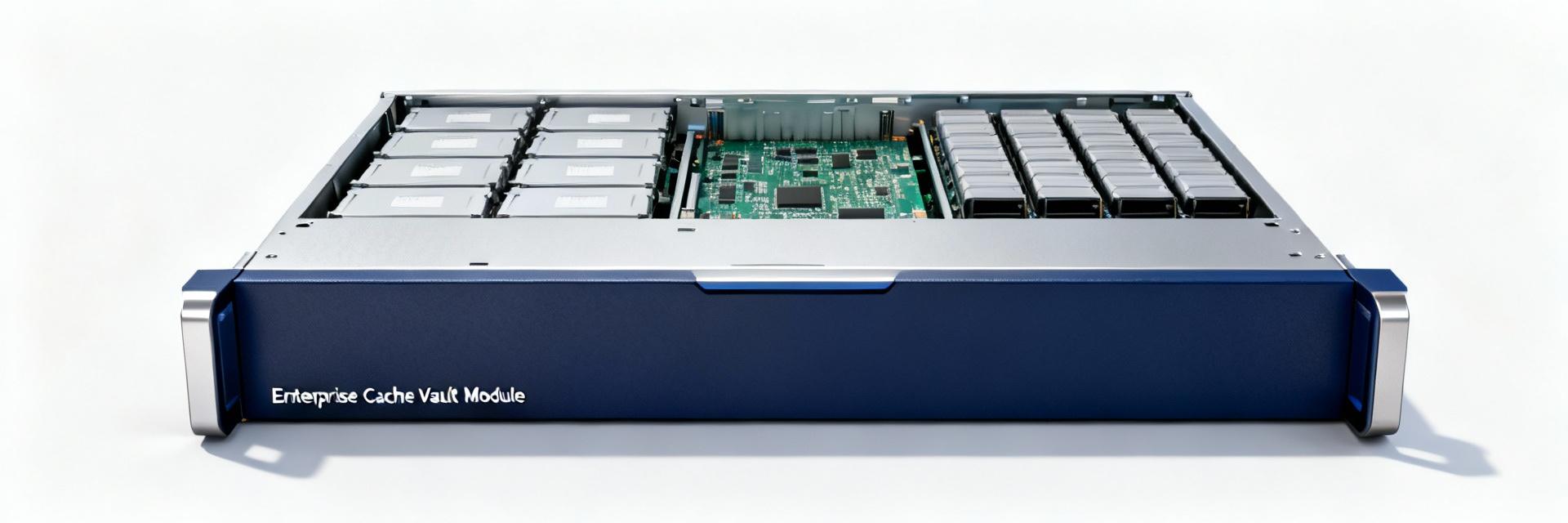
This article is a concise technical reference covering performance, full specifications, installation and compatibility, maintenance, real-world deployments, and procurement recommendations for modern cache protection modules.
Product Background & Role in Storage Systems
What a Cache Vault Module Does
Core Concept: A cache vault module protects volatile write cache against sudden power loss, enabling safe write-back caching in enterprise controllers.
Mechanism: Designs replace chemical batteries with energy-storage submodules that capture cache contents to non-volatile media during outages.
Value: Supports faster recovery and fewer rebuild stalls compared to pure battery systems.
Controller Pairings & Topologies
Integration: Typically paired with RAID controllers or PCIe accessory slots with a dedicated connector and firmware interface.
Requirements: Implementations require a vault bracket and matching controller firmware for safe commit logic.
Verification: Confirm controller slot type, pinout, and firmware release to ensure the 05-25444-00 installs and registers properly.
Key Performance Metrics & Data Analysis
Measure random and sequential IOPS, average and tail latency (95th/99th percentiles), and write-back behavior before and after installation.
| Metric |
Importance |
Target Change/Visual |
| Random IOPS |
Application responsiveness |
|
| Tail Latency (99th) |
Outlier impact on sensitive apps |
|
| Cache Hit Ratio |
Cache efficiency |
|
Test Methodology: Run synthetic mixed random/sequential suites, then apply controlled power-loss simulations to validate write-back safety and measure cache commit completion times.
Technical Specifications Breakdown
Electrical & Physical
- •Form Factor & Connector Type
- •Capacitor Type & Capacity
- •Operating Temperature Range
- •Input/Output Voltages & MTBF
Durability & Logic
- •Rated Backup Duration
- •Data Retention Guarantees
- •Write Cycle Endurance
- •Firmware Update Behavior
Integration & Maintenance Guide
Installation Steps
1. Confirm controller firmware and BIOS/UEFI settings.
2. Verify physical clearance and available power headroom.
3. Install according to torque specs and connector alignment.
4. Run controller self-test and validate cache protection status.
Routine Maintenance
Monitor error logs and capacitor health indicators on a scheduled cadence. Configure alerting to forward vault-related warnings to centralized monitoring and include health status in routine reports.
Real-World Deployment Examples
Enterprise Database Server
Improves commit confidence and reduces data loss windows. Operators observe significant reduction in commit latency under burst writes.
Virtualized Host
Shortens rebuild delays and prevents prolonged VM impact. Provides predictable maintenance windows at modest procurement cost.
Procurement & Action Checklist
Pre-Purchase Verification
- Confirm physical fit & controller compatibility
- Check firmware/driver support versions
- Verify required accessory kit inclusion
Operational Best Practices
- Pilot a small batch before mass rollout
- Run acceptance benchmarks for 2-4 weeks
- Maintain spare modules for rapid swap
Summary / Conclusion
The module enhances cache protection by enabling safe write-back and reducing recovery windows. Prioritize electrical and mechanical specs, firmware compatibility, and continuous monitoring. Call to action: Run the benchmark checks outlined above, validate compatibility, and use the procurement checklist before deployment for measurable risk reduction and operational predictability.
- ✓ Confirm mechanical and electrical specs match your host to ensure safe installation.
- ✓ Validate performance via IOPS and tail-latency benchmarks.
- ✓ Implement monitoring for capacitor health and firmware alerts.
Frequently Asked Questions
How does the vault module protect cached data?
+
The module stores volatile cache contents to protected non-volatile media during power events and relies on controller commit logic to replay or resume writes, preventing data loss that would otherwise occur when RAM-backed cache is lost.
What installation checks should I run for compatibility?
+
Verify connector type, controller firmware support, power supply capacity, chassis clearance, and accessory kit inclusion. Confirm controller recognizes the module in logs and run a short synthetic test with a controlled power-fail to validate behavior.
What maintenance is required to keep protection reliable?
+
Monitor controller alerts and event logs, schedule periodic self-tests, track health indicators, and replace modules that fail diagnostics. Keep firmware updates aligned with controller recommendations.